Tasks
This feature is only available to licensed users
Tasks allow you run scripts when a trigger occurs.
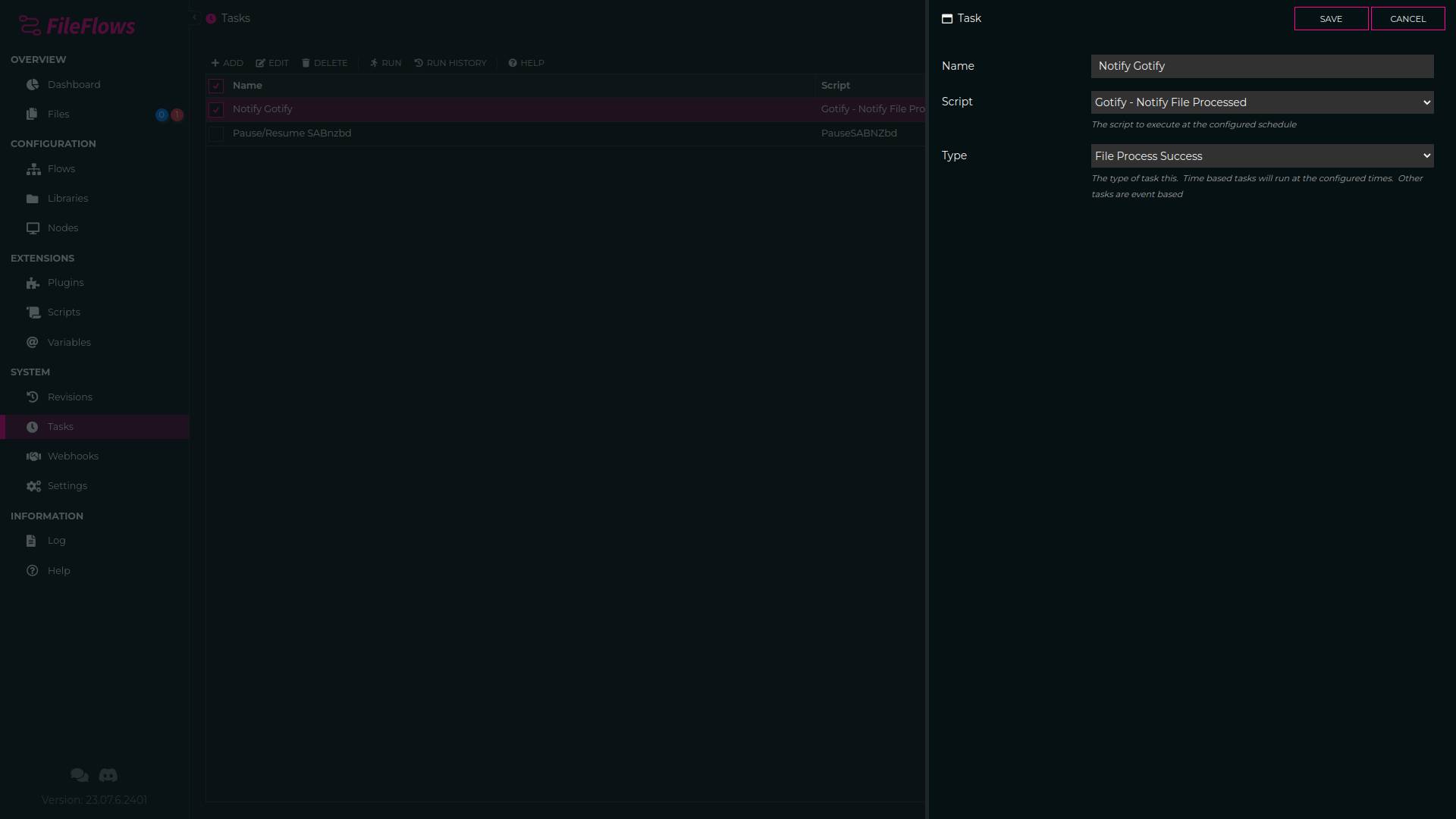
Trigger Types
Schedule
This is a time based trigger, where each block in the schedule is a 15 minute window. Meaning if that block is checked, when that time triggers (e.g. 12:15, 12:30, 12:45, 1:00) the task will be executed
File Added
This occurs whenever a file is added to the Files list
File Processing
This occurs whenever a file start processing
File Processed
This occurs whenever a file finishes processing, regardless of it's processing result
File Process Success
This occurs whenever a file finishes processing successfully
File Process Failure
This occurs whenever a file fails to process
FileFlows Server Update Available
Triggered whenever a new Server version of FileFlows is available.
FileFlows Server Updating
Triggered when FileFlows starts the auto upgrade process
Examples
Tasks allow you to run custom scripts whenever those actions occur some examples of tasks you may like to run include
SABnzbd Pause
Pause SABnzbd if your files processing queue is over a certain amount. This will prevent any more files being added until FileFlows catches up to processing.
File Process Success
Send a notification to Gotify/Apprise/Discord whenever a file is successfully processed
File Process Failure
Send a notification to Gotify/Apprise/Discord whenever a file fails to process