API Help
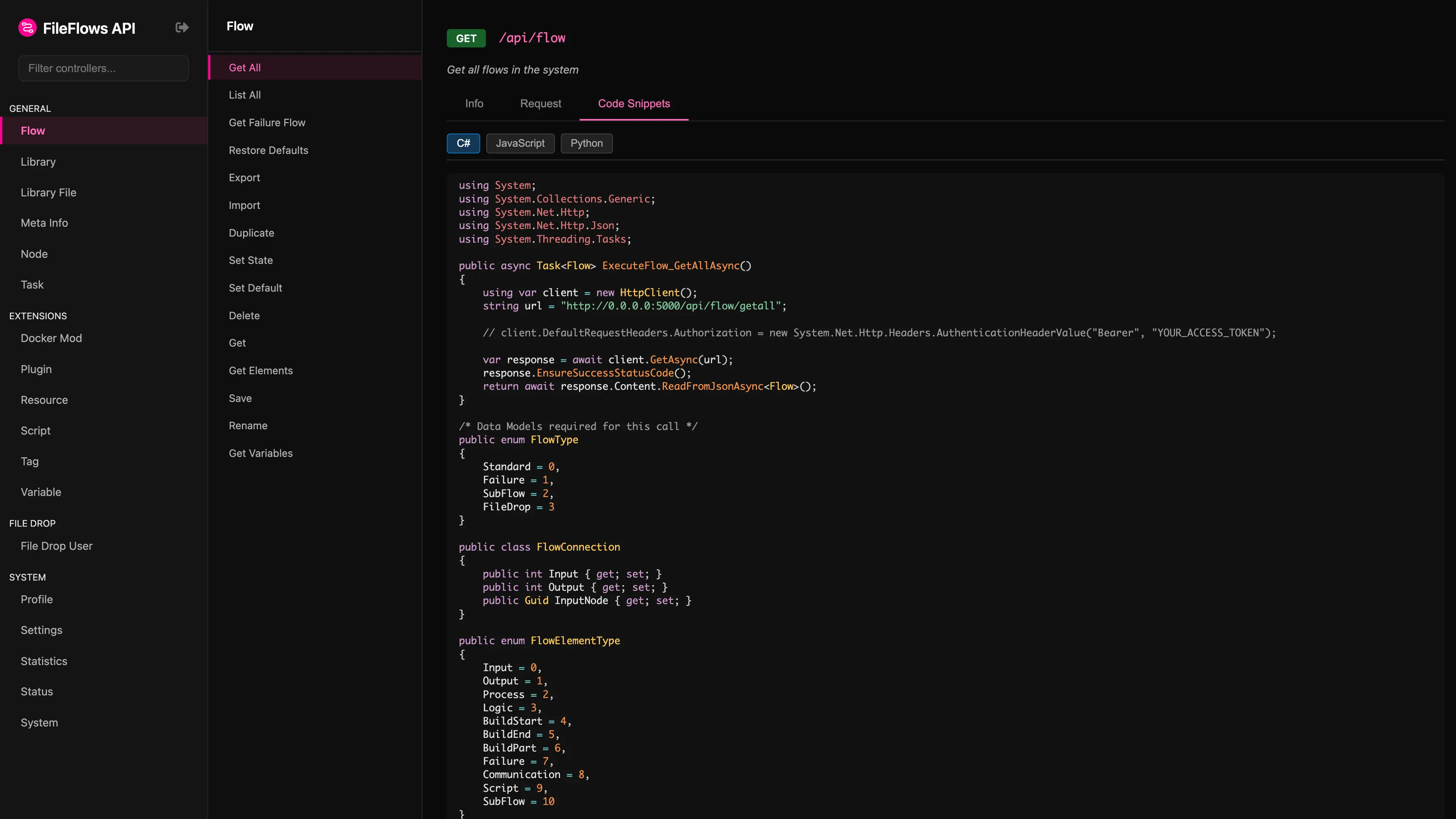
FileFlows includes an interactive API help interface that allows you to explore endpoints, view schemas, and test requests directly from your browser.
Accessing the API Help
The API documentation is hosted directly on your FileFlows server and can be accessed by appending /api to your server's URL.
- Local URL Example:
http://localhost:19200/api
API Help
Authentication
If your FileFlows instance has user authorization enabled, all API requests must be authenticated using a JSON Web Token (JWT).
- Format: Provide the token in the HTTP request header as a Bearer token:
Authorization: Bearer <your_access_token> - Retrieving the Token: Log into the FileFlows web console through your browser. Once authenticated, you can extract your current token from your browser's LocalStorage under the key
AccessToken.