Create Task
Manually queue and execute standalone tasks directly within FileFlows Forge.
Why Create a Manual Task
While tasks are normally dispatched automatically by FileFlows, creating one manually is primarily useful for testing and troubleshooting:
- Test new configurations: Verify how specific settings perform on a sample file before setting up or relying on automated dispatches from FileFlows.
- Verify host setup: Confirm that your Forge host has the required hardware, drivers, or AI models working properly.
- Troubleshoot failures: Isolate and re-run a specific task on a file that previously failed when sent from a FileFlows Node.
How to Create a Task
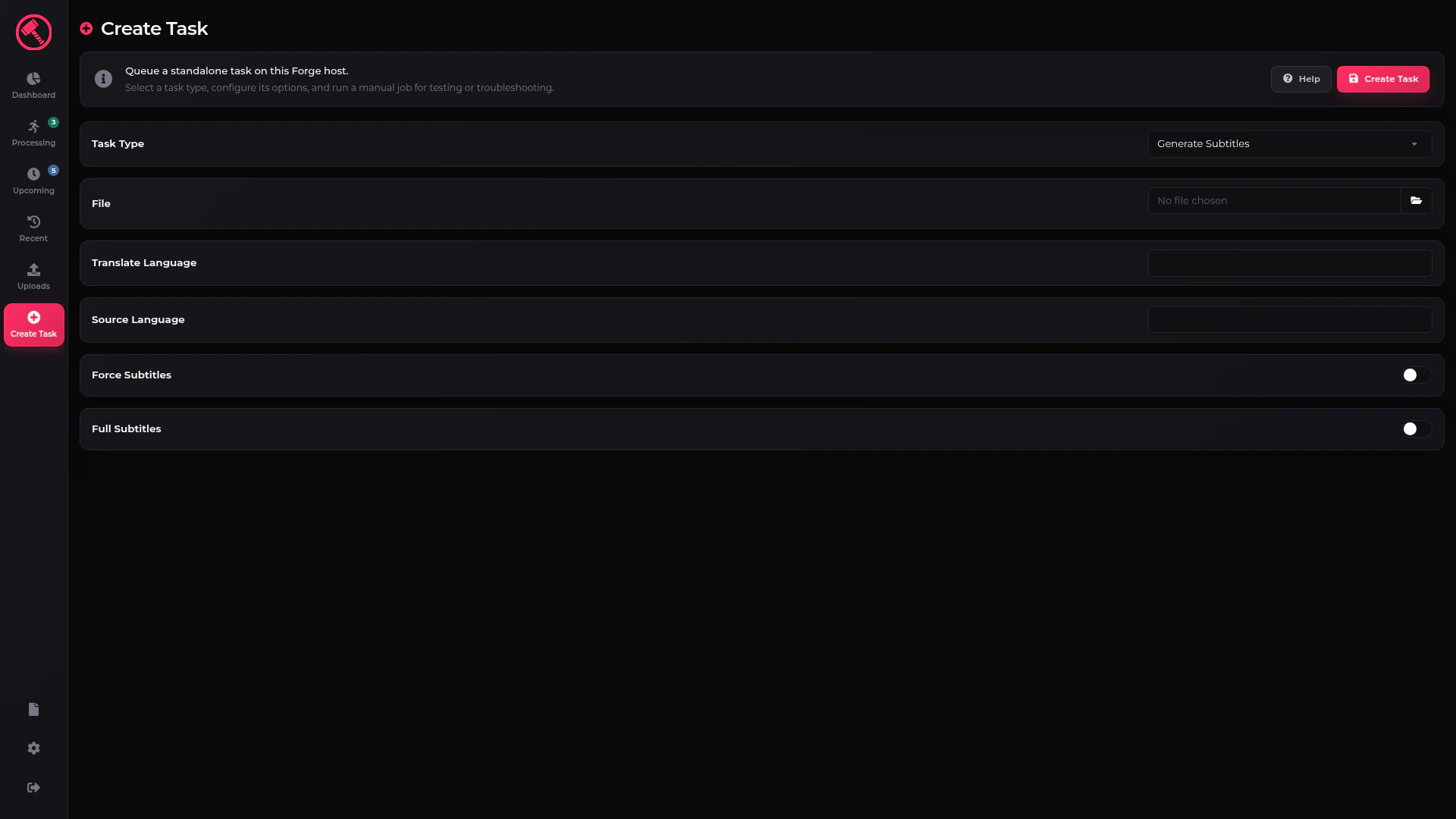
- Select a Task Type: Choose the operation you want to run from the Task Type dropdown.
- Configure Task Settings: Once selected, the form updates to display the specific fields required for that task. Choose your target file and fill in the parameters as needed.
- Submit the Task: Click the Create Task button to add the job to the queue.
Create Task
Note: For detailed explanations of the configuration fields for a specific operation, refer to the dedicated help page for that task type.